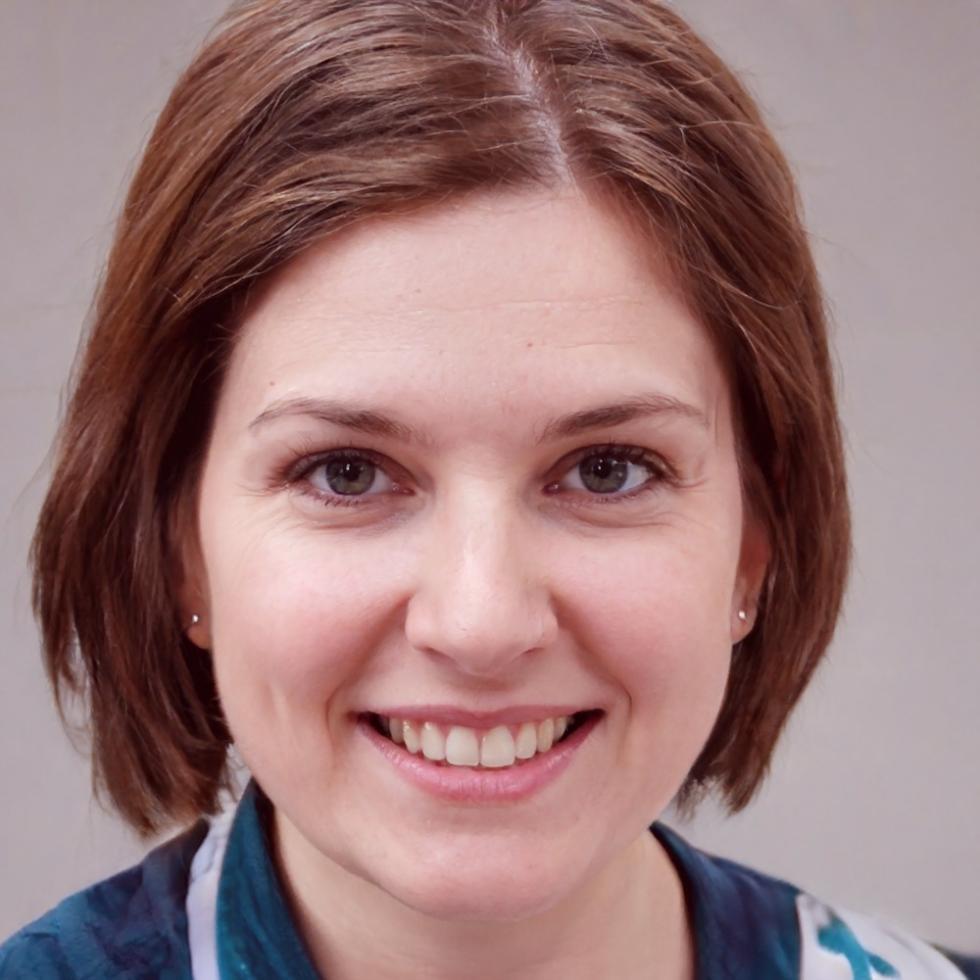
Daryna Solonets
Lead Video Instructor
Works primarily with Reels and TikTok formats. Has edited commercially for local Lviv brands and brings that context into how she explains pacing and hook structure in the first three seconds of a clip.

Online seminars on video editing for social media — structured, in-depth, discussion-led
Hesluri is a Lviv-based online learning platform built around video editing for social media. We run structured seminars — not courses that pile up unwatched — designed for people who want to understand what they're doing and why.

Hesluri started in Lviv in 2016 out of a simple frustration: most video editing resources online were either too shallow or buried in jargon that assumed you already knew half the answer. There was very little middle ground for someone who wanted to actually understand editing — not just copy steps.
The seminars we run are built around real tools — CapCut, DaVinci Resolve, and Premiere Pro — applied to specific social media contexts. Reels, TikTok clips, YouTube shorts. Each session focuses on one editing scenario rather than trying to cover everything at once.
Three things we decided early on and have kept consistent since — even when it would have been easier not to.
Each live seminar has a cap of 18 participants. It keeps the discussion from becoming a lecture and means questions get real answers rather than a link to the documentation.
Each seminar covers one editing concept in depth — jump cuts, color grading for mobile, audio layering — rather than a broad overview. Participants know what they're signing up for.

Four instructors with different backgrounds but the same preference — they'd rather show you a real mistake in an edit than describe what a perfect edit looks like in theory.
Lead Video Instructor
Works primarily with Reels and TikTok formats. Has edited commercially for local Lviv brands and brings that context into how she explains pacing and hook structure in the first three seconds of a clip.
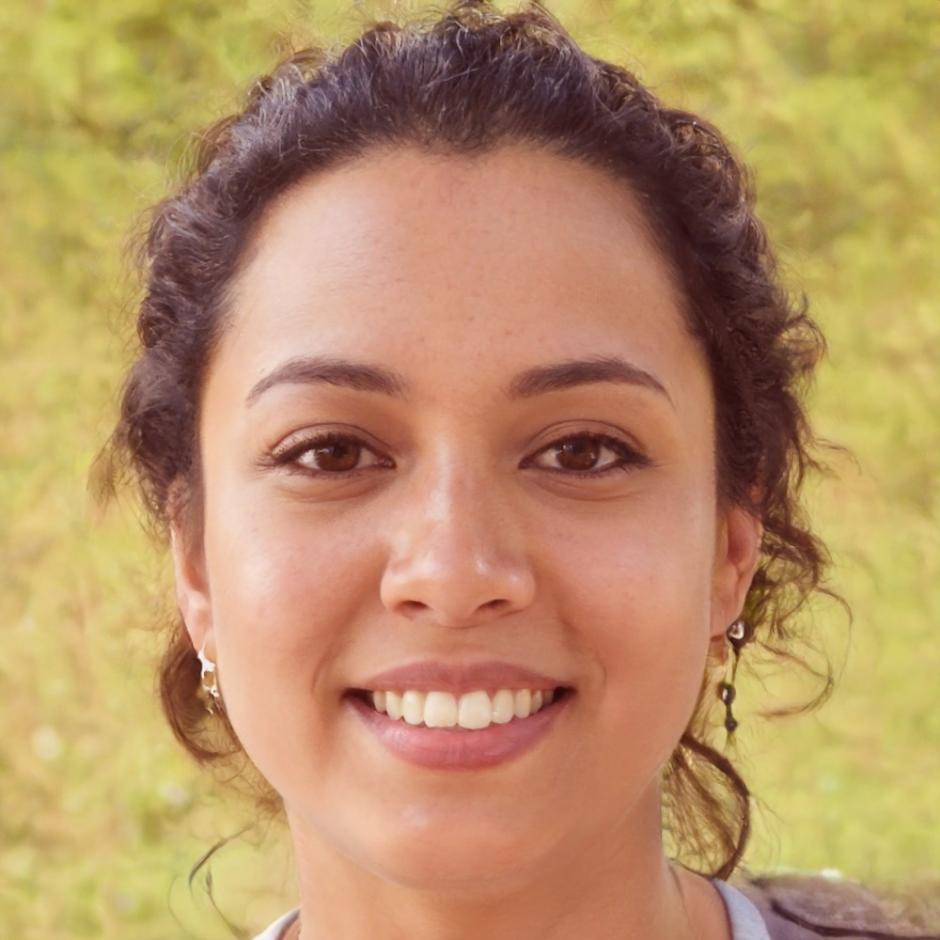
Curriculum Designer
Organizes what gets covered in each seminar and in what order. Her background is in adult education — she thinks carefully about what a person actually needs to be able to do after a session, not just what sounds impressive to teach.
Editing for social media is a practical skill. The gap between knowing what a jump cut is and knowing when to use one — and when not to — only closes with repetition and specific feedback. A seminar can't shortcut that process, but it can make the repetitions more deliberate.
What we've noticed over years of running sessions: people who come in with a specific video they're struggling with leave with something immediately usable. People who come in with a vague sense of "I want to get better at editing" tend to leave with good vocabulary but need a few more sessions before the skill becomes automatic.
Both are fine starting points. We try to make sure each seminar is useful regardless of where someone is — by keeping the topic narrow enough that there's always something concrete to work on, even if your current level is beginner.