
Editing that fits how people actually watch
Short-form video has its own rhythm. These seminars are built around the specific decisions editors make when cutting for feeds, stories, and vertical screens — not general production theory.
Where results actually come from
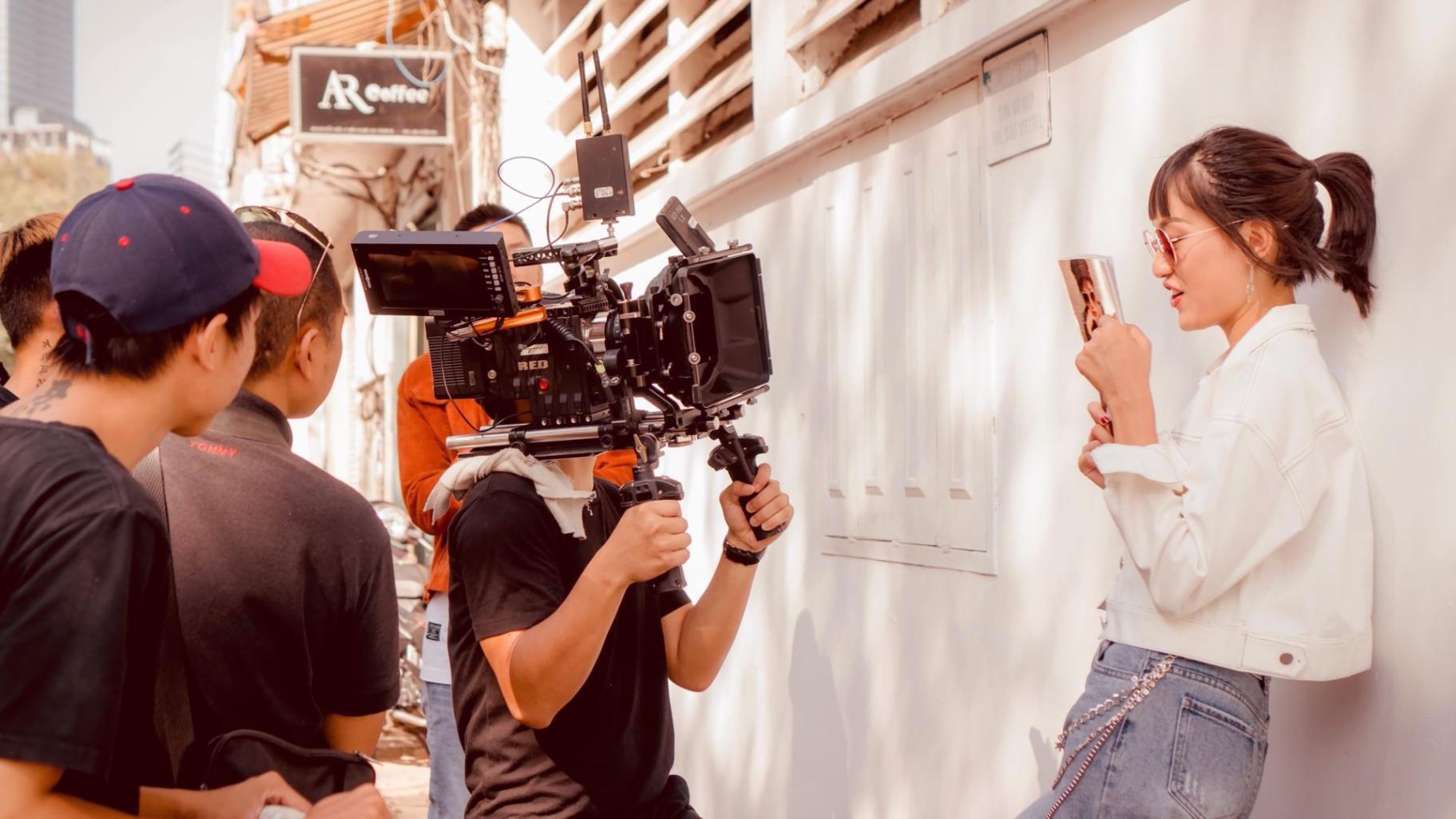
Most editing courses teach software. The seminars here focus on decision-making — which cuts to make, when to hold a shot, and how pacing changes what a viewer does next. The tools are secondary to that.
Platform-specific pacing
A cut that works on YouTube often kills engagement on TikTok. Sessions break down the differences — first-frame hooks, caption timing, silent-viewing optimization — with real examples from each platform.
Structured peer review
Each session includes a review component where participants show work and get structured feedback. Watching someone else's edit being critiqued is often more valuable than the critique of your own.
Repeatable workflows
Speed matters in social media production. The seminars cover how to set up templates, colour presets, and export queues so that a well-edited short video takes under 45 minutes from rough cut to file.
The people delivering these seminars
Everyone who leads a session at Hesluri has worked as an editor professionally — not just as a creator or a coach. That distinction matters in how feedback is framed and what problems get prioritised.
The curriculum was put together by practitioners who have edited for brand campaigns, independent creators with audiences over 200,000, and regional media outlets. The common thread across all of their work has been the constraint of short formats — where every second of wasted attention costs something measurable.



About the time commitment being realistic
Most visitors who don't register cite the same reason: they don't have time to follow a structured programme. That concern is worth addressing directly. These are not courses with 40 hours of pre-recorded content sitting in a queue. Each seminar is a single focused session — between 80 and 110 minutes — with a specific topic and clear output.
You don't need to attend every module in sequence. Some participants join for one session on a topic they're currently stuck on. Others work through the full arc. The format was deliberately designed to make partial participation useful, not just tolerated.
When this format tends to work
Not every learning format works for every person. These seminars suit a particular kind of participant — and it's worth being specific about that before anyone registers.
You already edit something
These sessions are most useful when you have actual footage to bring, or a project you're actively working on. Pure beginners with no editing context will find the discussions harder to follow.
You're open to feedback
The peer review component requires showing work that isn't finished. If that feels uncomfortable, the sessions will still be useful — but less so than for participants who engage with the feedback cycle.
Your goal is output, not credentials
There are no certificates designed to impress employers. The measure is whether your editing gets better and faster. If you need a qualification rather than a skill, this probably isn't the right place.
You work in short formats
The entire curriculum is oriented around video under 3 minutes. Long-form editors will find some concepts transferable, but the specifics — hook timing, caption rhythm — won't apply directly to their work.
What you carry forward past the sessions
Editing skill compounds differently than most digital skills. Once you understand why a cut works, you see it everywhere — and you stop making the same structural mistakes on repeat.
Participants typically describe two shifts after working through the seminar arc. The first is speed: production time drops because decisions stop being agonised over individually. The second is confidence — they can explain choices rather than just feeling that something works or doesn't. That second shift tends to matter more in collaborative settings.
Not a list of rules, but a mental model that applies across different software, platforms, and content types — so you're not starting from scratch each time the format changes.
All attended sessions remain accessible. Reviewing a peer feedback discussion six months later, when the context has shifted, often yields different and more useful insights than the first watch.
The discussion group active between sessions has become a working resource for many past participants — a place to share platform changes, ask workflow questions, and share what's actually performing.

Skills that stay useful past the obvious moment
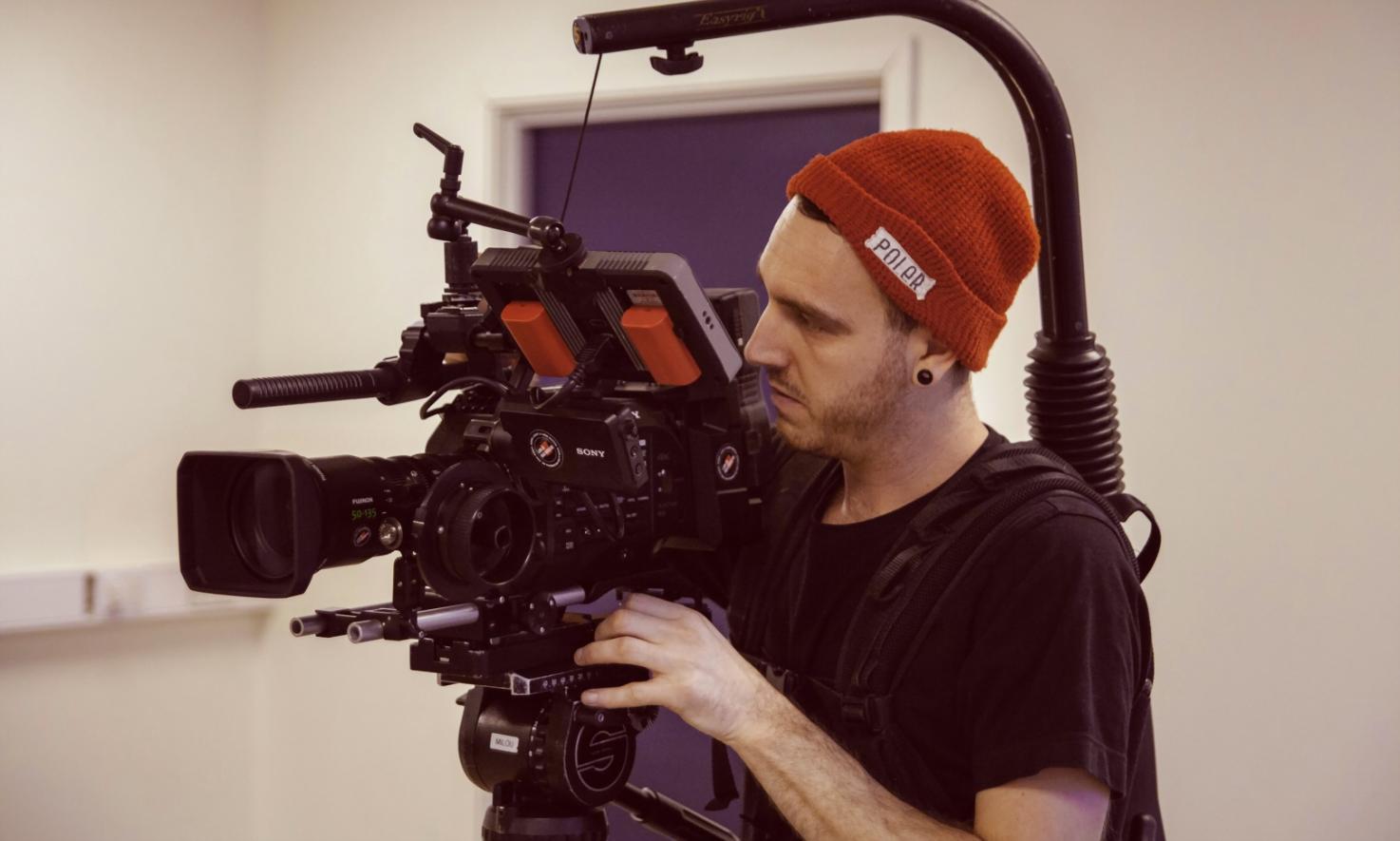
Editing judgment doesn't become obsolete when platforms change their algorithm or a new app arrives. The underlying logic — what holds attention and when to cut — stays relevant across formats.
Reading other people's edits
Once you understand structure, you stop watching content passively. You notice why a video stops feeling engaging at a certain point, or why one version of a post outperforms another. That diagnostic ability is useful whether you're editing for yourself or briefing someone else.
Faster decisions on new projects
The biggest time drain in editing isn't export or rendering — it's uncertainty. Participants consistently report that the decision-making framework they developed during seminars cuts their per-video production time in a way that compounds across a full content schedule.
Something to pass on to collaborators
Many participants work in small teams or eventually bring someone else into the editing process. Having a shared vocabulary — being able to say "the hook is too slow" or "this needs a breath before the cut" — makes that collaboration significantly less frustrating for everyone involved.